Tell us what people need to see or understand. We’ll help you choose the shots and work out how to make them within your scope and budget.
We help shape the script, plan the shoot and put people at ease on camera. We explain the choices as we go, so you know what to expect and can help shape the work.
01 / Bolt motion control
Build the shot. Refine the look.
Bolt can repeat the same camera move. We can change the light, product or action and compare the shots. That helps us work toward the look your video needs, one change at a time.
Repeat the camera path while controlling its aim. A rotating turntable adds another layer of movement. Base rotation, lift and arm movement work with pan, tilt and roll. Refine lighting, action and timing between passes. Illustration of coordinated movement.
02 / LED & virtual production
See the setting while we shoot.
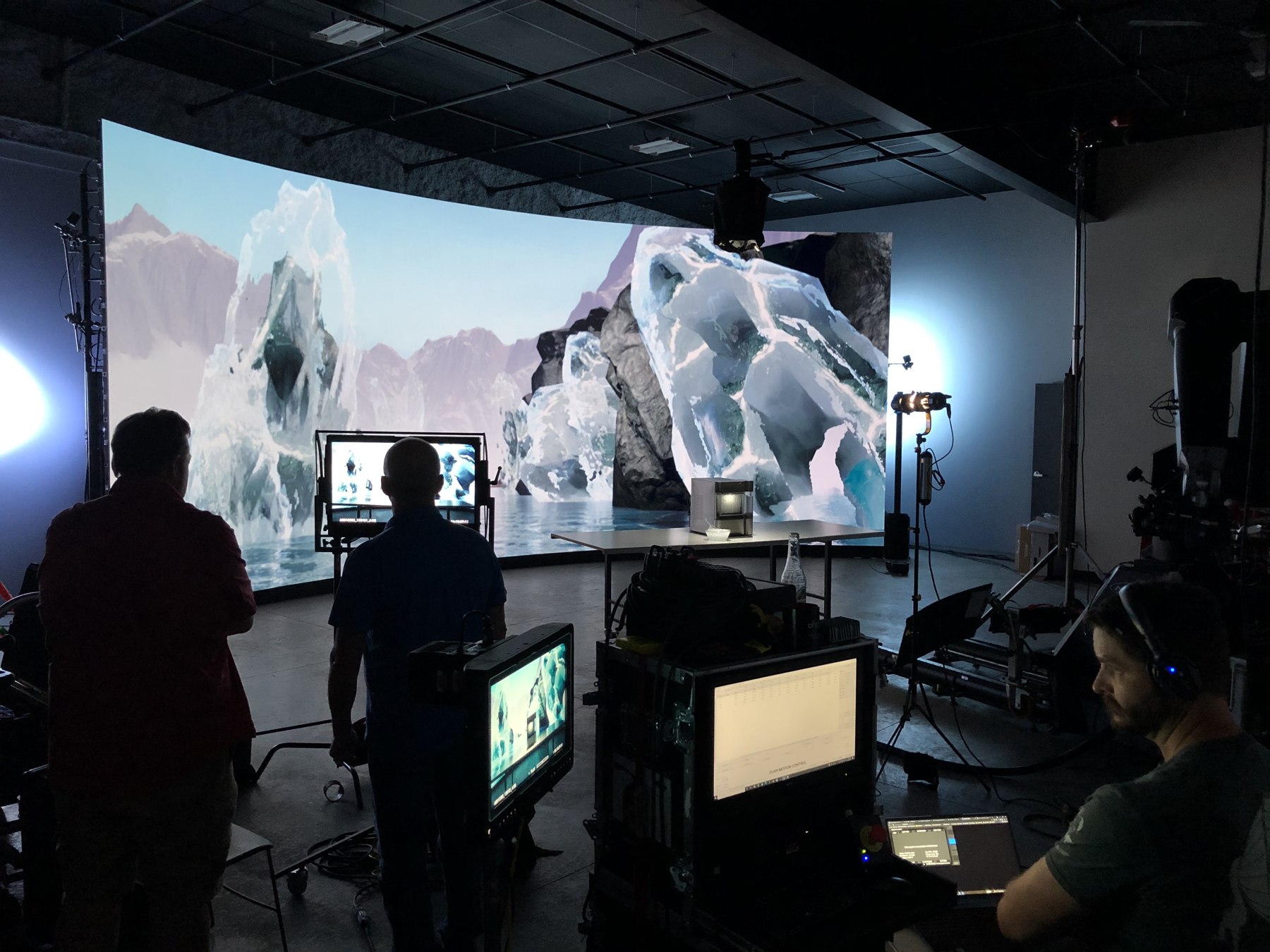
An LED wall puts a digital background behind real people and props. You can see how the scene looks as we shoot, and make choices about the light and setting while the team is there.
Behind the scenes / The LED wall and the physical studio set.
How tracking connects the two
Make the background follow the camera.
As the camera moves, the background needs to change too. Tracking updates the view so nearby and faraway objects move the way you expect. That helps the person or product feel part of the scene.
How tracking works
The tracking system reports the camera’s position and orientation. Using the lens setup, the engine renders the prepared world from that viewpoint. The process video shows OHD combining Bolt, an LED wall, Unreal Engine and Nuke.
Tracking on: the engine updates the camera-facing background. Nearby trees shift more than the distant mountains.
01 Track the camera.
02 Render its viewpoint.
03 Display it on the wall.
04 Capture subject + background.
Simplified illustration of a tracked LED workflow. The engine renders a prepared 3D environment from the camera’s changing viewpoint. The process video above is an OHD demonstration; this diagram explains the tracking principle.
03 / Phantom Flex4K
Give people time to see the detail.
Some parts of a shot happen too fast to notice. Slow motion gives people time to see the splash, texture or small movement that helps tell your product’s story.
Phantom Flex4K / Up to 1,000 frames per second at 4096 × 2160—DCI 4K.
Watch an example
A second, opened up
Ice drops as bourbon pours against the glass.
Time in the action0.400 sof 1.000 second
Time on screen16.67 sof 41.67 seconds
Frames in this example400 / 1,0001,000 frames per second
1 second × 1,000 fps ÷ 24 fps = 41.67 seconds of playback.
Illustrated motion, not captured footage. The time conversion is exact for the selected frame rates. Watch the for actual imagery from OHD Studios.
04 / Food & drink
Make the food look worth trying.
We plan the food, light and movement to show texture and detail. The goal is to make the product look as appealing on screen as it does in front of you.
OHD Studios compilation reel; includes spec work. Project roles and credits vary by shot.
05 / Live production & streaming
Help people follow the whole event.
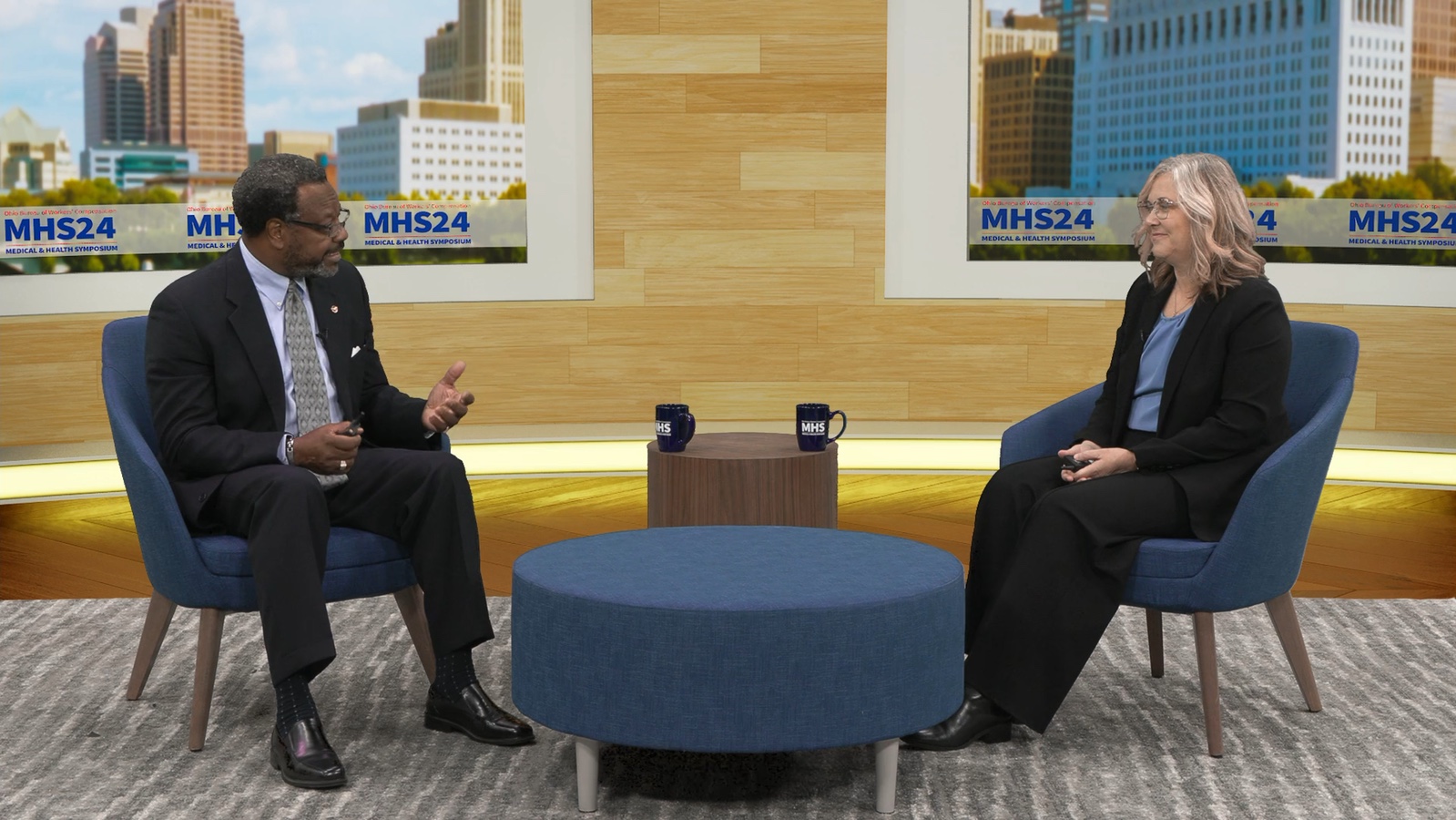
People watching need to hear the speakers, see the action and read what is on screen. We plan the cameras, sound and live visuals so those parts work together as one program.
OHD Studios brings studios, gear and the people who know how to use them into the plan. We can try ideas, work through problems and explain the choices as the project takes shape.